
Testing Strategy
Cross-Browser Testing Strategy That Doesn't Burn Your CI Budget
Cross-browser bugs cluster. Safari's date input and flexbox quirks, older Chromium versions inside Android WebView, a specific font-rendering edge case in one engine, these account for most real cross-browser failures. A backend-driven settings page that renders the same markup everywhere doesn't carry the same risk as a custom date picker, but a flat test matrix treats them identically.
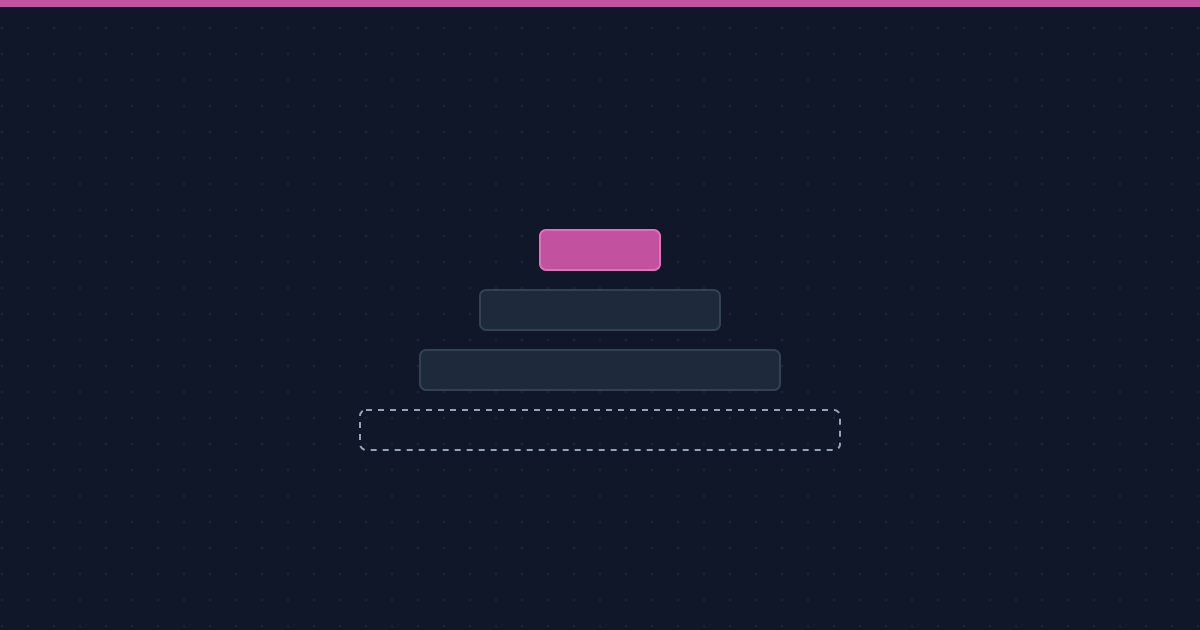
Tier your matrix instead of flattening it
Tier 1, every PR: your primary browsers (typically the two or three your analytics show the most usage on) run a small, fast smoke set covering critical paths, sign-up, checkout, core navigation. This is what gates merges, so it has to stay fast enough that nobody's tempted to skip it.
Tier 2, nightly or pre-release: secondary browsers run the fuller regression suite. Bugs here are real but rarely urgent enough to block a merge; they need to surface before a release, not before every commit.
Tier 3, release candidates only: edge browsers and older versions your analytics show a small but non-zero share of traffic on. Full coverage here would be disproportionate to the risk; running it right before a release catches the rare regression without slowing down daily development.
Running the full suite on every browser, every commit?
Cross-browser bugs cluster in a handful of components, not evenly across the matrix. We help teams tier coverage so CI budget goes where the real risk actually is.
What actually needs full cross-browser coverage
Visually and interactively sensitive components: custom form controls, date and time pickers, drag-and-drop, anything relying on CSS features with uneven engine support. Pages that are mostly server-rendered text and standard HTML controls carry much less cross-browser risk and don't need the same density of coverage. Deciding this by component, not by page, keeps the tiered matrix from becoming an all-or-nothing decision per browser.
Cloud grids versus real devices
A cloud browser grid is the right default for desktop Tier 1 and Tier 2 coverage, fast to provision, cheap per run, good enough for rendering and interaction bugs. It's the wrong tool for anything involving actual device behavior, real network conditions, or OS-level UI like native keyboards and system dialogs, where the gap between simulated and real starts to matter. We've covered that trade-off in more depth for simulators versus real devices on the mobile side, and the same logic applies to desktop browser emulation.
Where visual regression fits
A tiered browser matrix pairs naturally with visual regression testing: run functional smoke tests on every browser per PR, but reserve full visual diffing for Tier 1, where a one-pixel shift is worth catching immediately, and for Tier 2 nightly runs on everything else. Trying to visually diff every browser on every commit is almost always more noise than signal, and it's usually the fastest way to get a cross-browser suite ignored entirely.